
Web interface
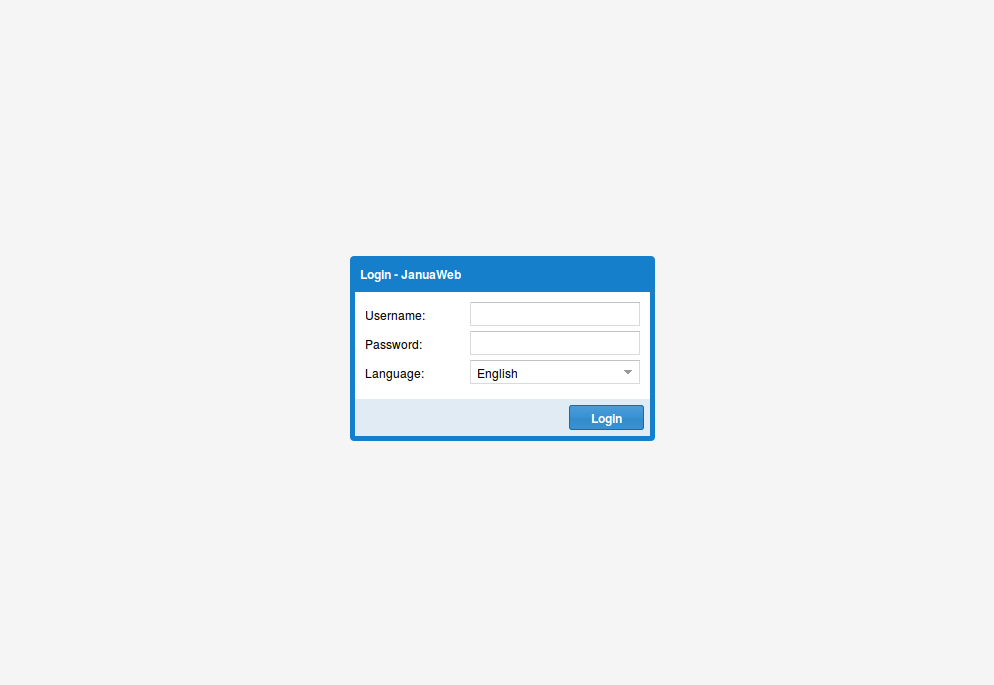
Connection to the interface (ex: http://localhost:5000/index.html)
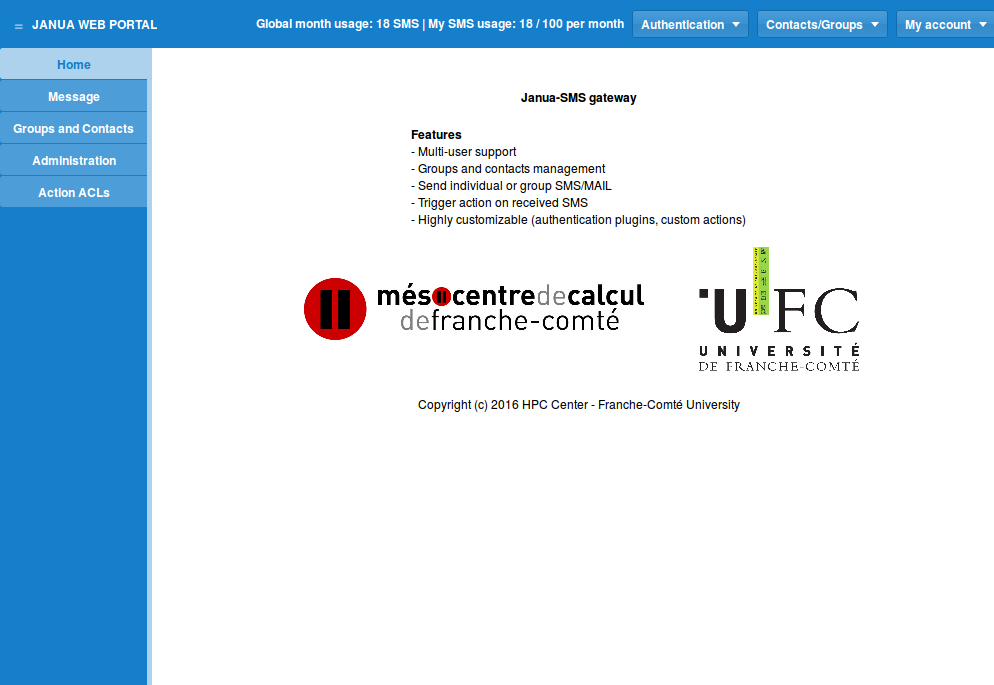
Main screen once connected:
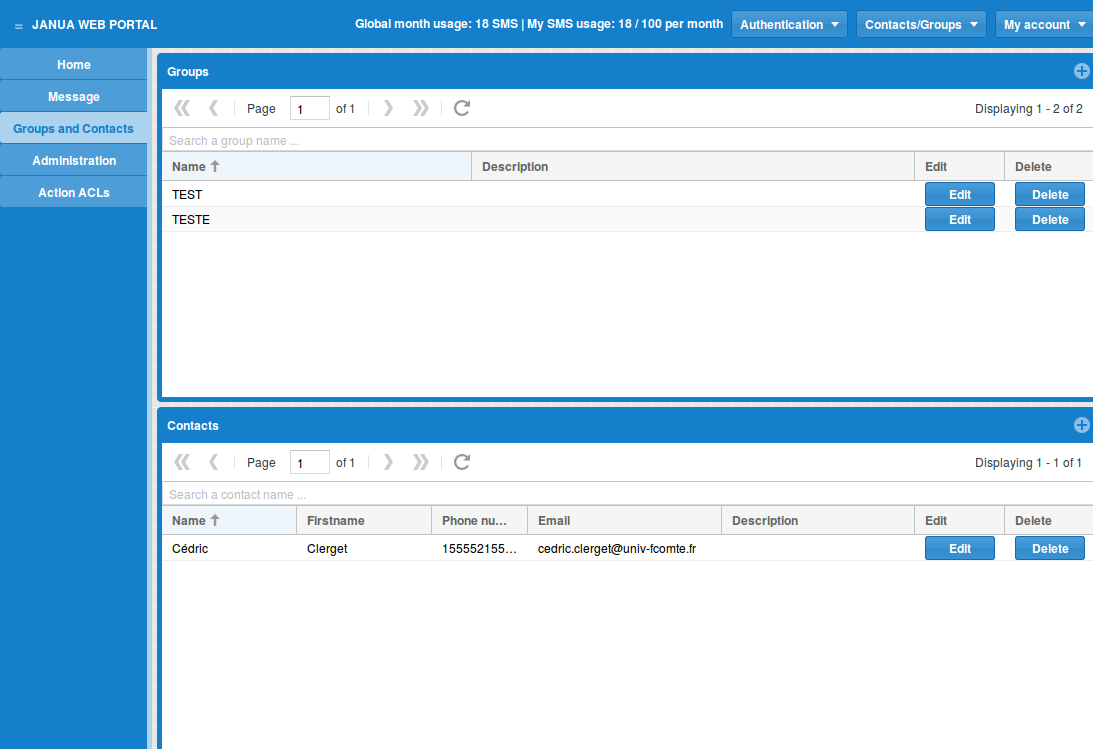
Groups and contacts board management:
Supervisor board management (administrator only):
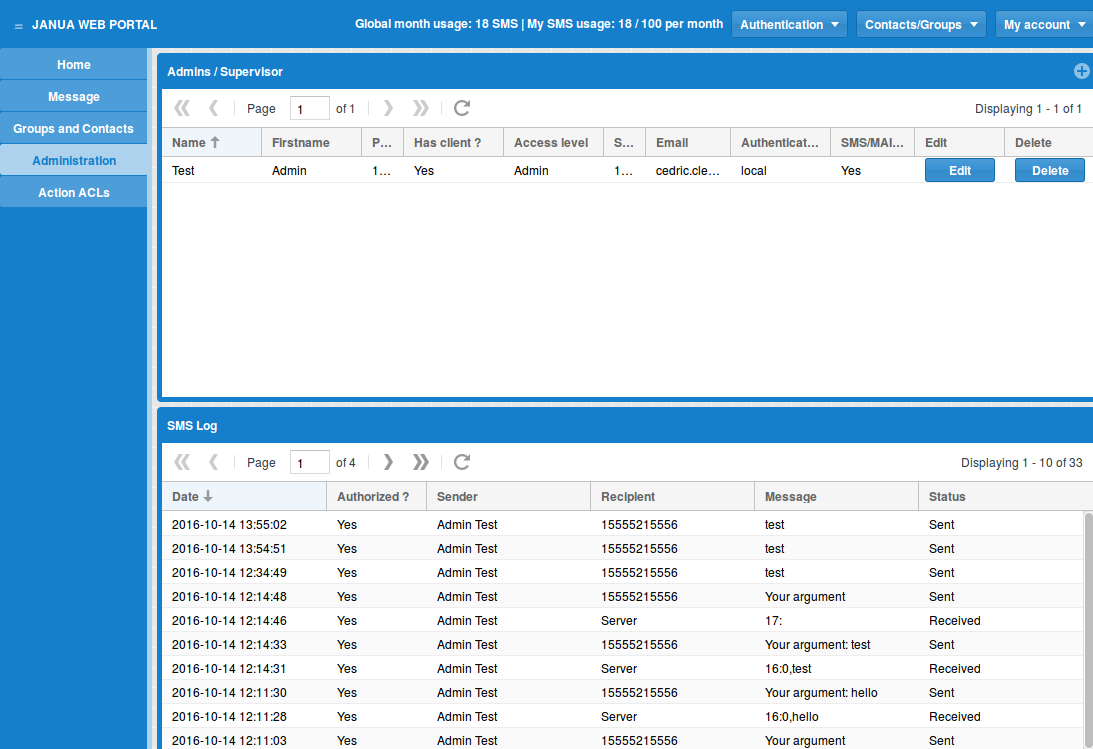
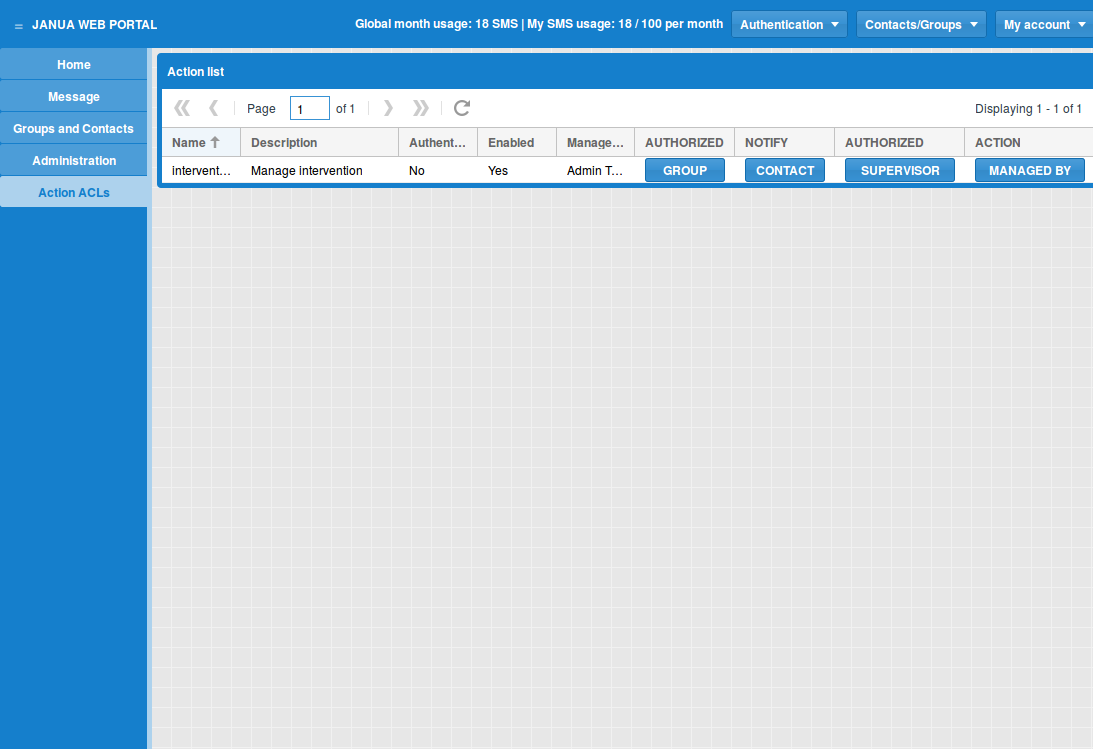
Group and contacts management
Before sending SMS with web interface, you have to create contacts and/or groups.
Create a contact:
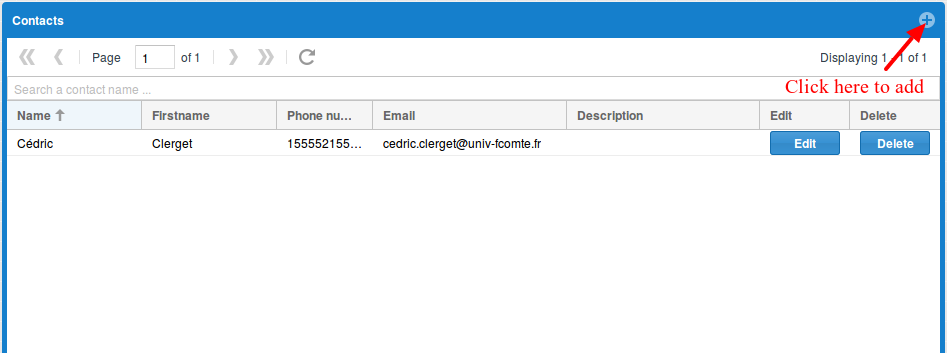
And fill the form:
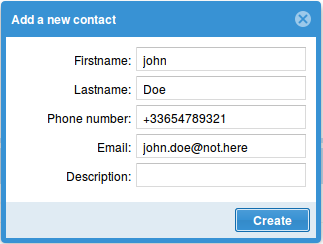
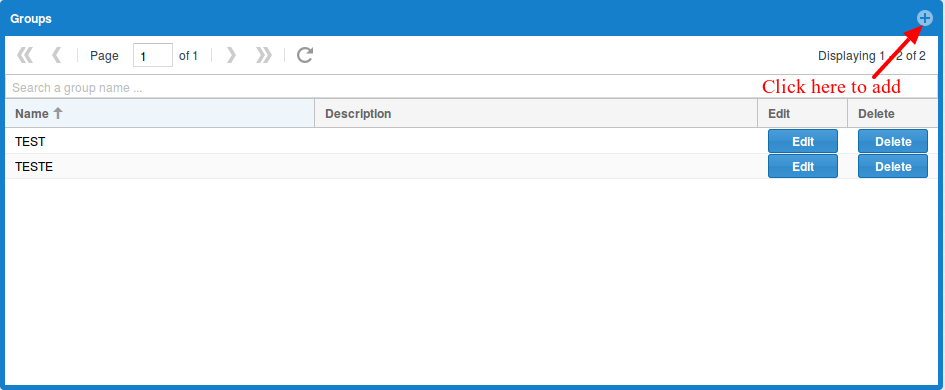
Create a group:
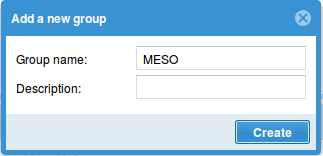
And fill the form:
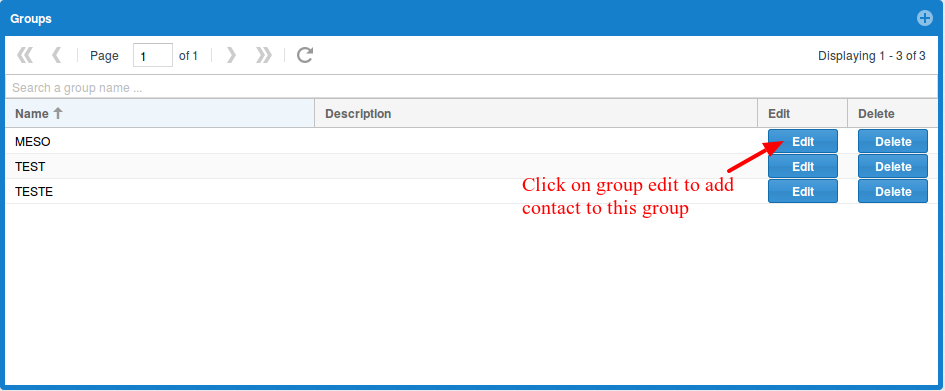
Add a contacts to a group:
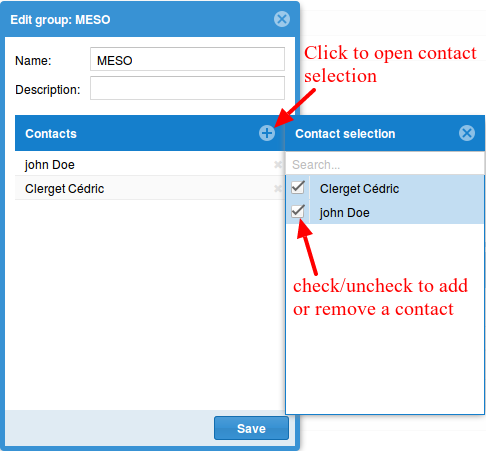
And select contacts to add and/or remove in this group:
Message board
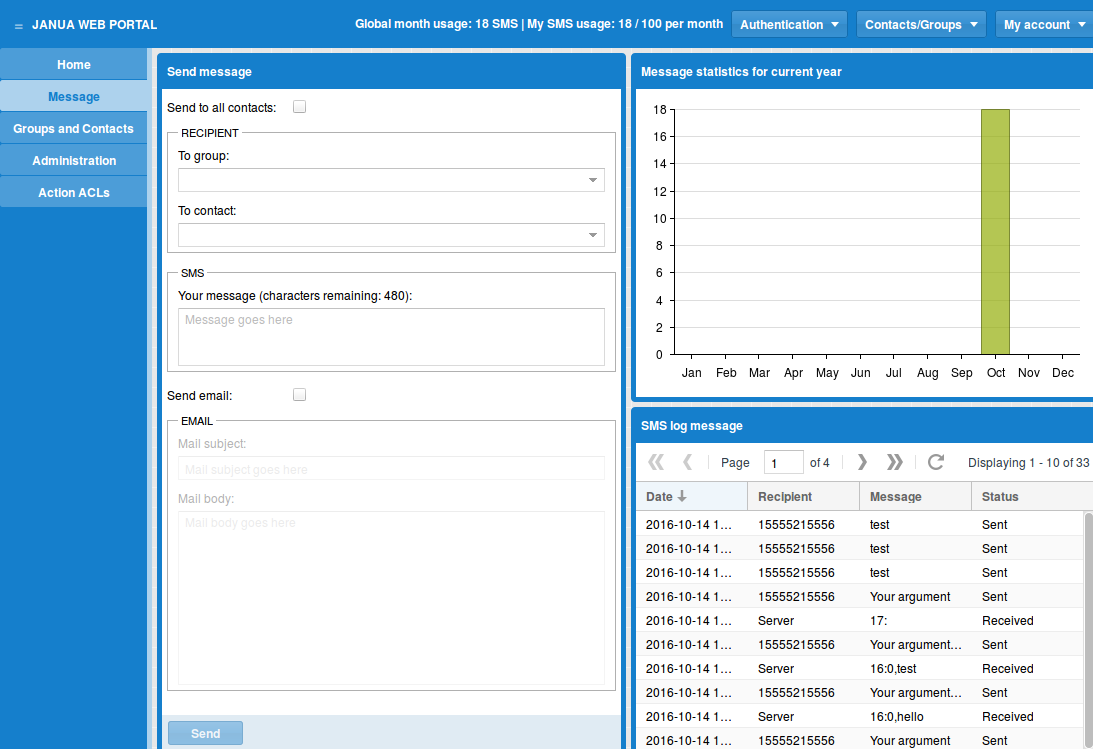
Send SMS to your contacts and/or groups.
Send SMS:
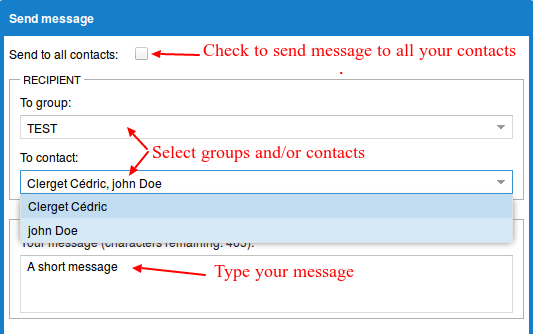
And click on Send button
Send SMS and mail:
While sending an SMS, you can send a mail to your contacts/groups:
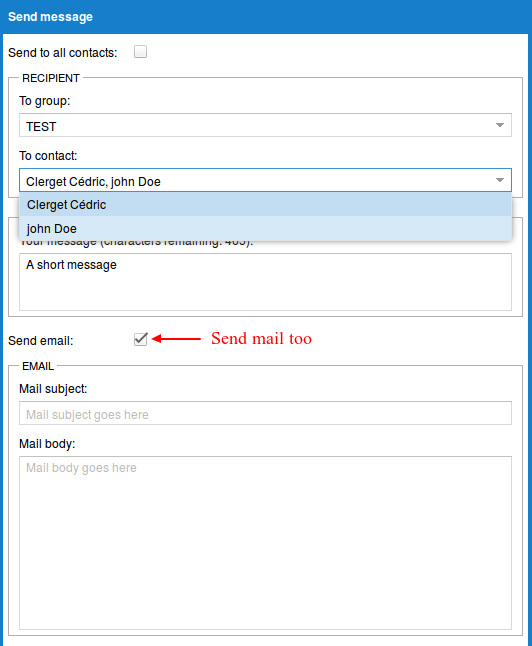
And click on Send button
Supervisor board (administrator only)
Note
TODO
Action board
Note
TODO